
The Lesson activity is Moodle’s built-in tool for adaptive learning: content pages and question pages are linked into branching learning paths – answer correctly and you move on, answer wrong and you get a repeat or an alternative explanation. In this fifth part of our series on e-learning formats in Moodle, we show how the Lesson activity works, where its limits are – and how its content becomes part of your AI tutor’s knowledge base (RAG) via Auto-Sync in the Alphalearn Portal.
Key Takeaways
Lesson = adaptive learning with built-in tools: branching paths of content and question pages, without any extra plugin or authoring tool.
Didactically strong, maintenance-heavy: complex branches are time-consuming to build and maintain – and the logic stays rule-based, not truly individual.
Ideal for RAG: Lesson content is open, structured Moodle text – the most rewarding raw material for an AI knowledge base.
Auto-Sync in the Alphalearn Portal captures Lesson pages automatically, builds the course’s vector database (RAG) from them and updates it on a schedule – every 24 hours by default.
What is the Lesson activity?
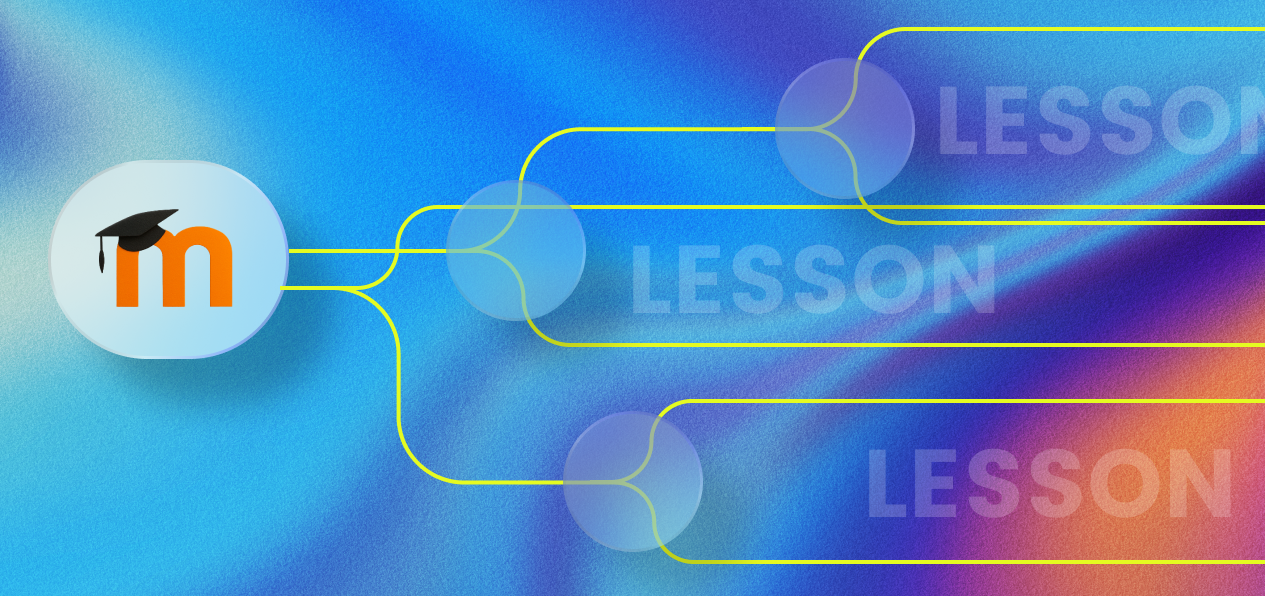
A Lesson consists of two page types: content pages convey material and end with navigation buttons, while question pages (quiz-style activities) check understanding and branch depending on the answer. This produces learning paths: the default path leads linearly through the material, while side paths catch knowledge gaps – for example with a repeat loop or an alternative explanation. Grades flow into the gradebook on request.
This makes the Lesson Moodle’s counterpart to what authoring tools sell as branching scenarios – only maintained directly in Moodle, without export-import and without licence costs.
Creating a Lesson: the steps
Add the activity: Add the “Lesson” activity to the course and set the basic options (grading, attempts, availability).
Create content pages: Break the material into manageable pages – each page ends with navigation buttons.
Add question pages: Multiple choice, true/false, short answer & co. – set the jump target for each answer.
Test the paths: Click through all branches once – dead ends are the most common Lesson mistake.
Strengths and limits of the Lesson
The strength: guided, activating learning at no extra cost, entirely within Moodle.
The limits: building complex branches is time-consuming, changes to the material mean maintenance across many pages – and the adaptivity stays rule-based. The Lesson only knows the paths someone has built in advance. To the individual question “Why is my answer wrong?” it has no answer – and this is exactly where the AI tutor’s territory begins.
How does content from Lesson activities get into the AI tutor: Auto-Sync in the Alphalearn Portal
For the AI knowledge base, Lesson content is a gift: open, cleanly structured text right inside Moodle. Auto-Sync in the Alphalearn Portal captures the Lesson pages together with the rest of the course content, splits them into sections and automatically builds the course’s vector database (RAG) from them. Updating runs on a schedule – every 24 hours by default. If you change a Lesson page, you don’t have to do anything else: the knowledge base follows automatically.
In everyday course use, the two complement each other perfectly: the Lesson guides through the planned path – and the AI tutor answers the individual questions in between, explains wrong answers in different words and offers help through proactive learning support, matching the page currently open. Via Learner Profiles it remembers which topics someone finds difficult – across Lessons, courses and semesters.
Conclusion: planned paths plus individual support
The Lesson activity remains one of the strongest built-in tools in Moodle in 2026: guided, branching learning paths at no extra cost. Its rule-based adaptivity is complemented by the AI tutor with what cannot be built in advance – individual answers. And thanks to the 24-hour Auto-Sync in the Alphalearn Portal, every Lesson change automatically becomes part of the RAG knowledge base.
Frequently Asked Questions
-
The Quiz tests knowledge with a question pool and grading. The Lesson conveys material and checks it along the way – with branches that adapt the learning path to the answers. In short: Quiz = assessment, Lesson = guided learning path.
-
Rule-based, yes: it branches along pre-built paths. Learning only becomes individually adaptive in combination with an AI tutor that can respond to every question and personalise explanations – with Alphalearn additionally backed by Learner Profiles.
-
Yes, the Alphabees AI tutor can integrate Lesson content into its knowledge base particularly well: Lesson pages are essentially structured Moodle pages with text. Auto-Sync in the Alphalearn Portal transfers them automatically into the course’s RAG knowledge base.
-
The Alphabees Auto-Sync in the Alphalearn Portal runs on a schedule, every 24 hours by default. Changed pages are therefore in the knowledge base no later than the following day – with no manual maintenance.
-
Yes, AI tutors and AI agents can be placed very flexibly via the Alphabees Alphalearn Portal. Either the AI agent of the parent course is carried over into the Lesson pages, or different agents – or none at all – are placed on the Lesson pages.